CLIENT SHAREPOINT SITE
In order to assist you, here are some helpful hints and tricks for our most commonly asked questions.
Our new SharePoint Site ensures secure upload of your financial information and documents.
HELPFUL TIPS
The email address that we have listed is the only email address you will be able to use to access your upload site - if you would like to nominate another email address, please let us know.
You cannot use a mobile device to log into the site - you must log in on a laptop or desktop computer
You will only be able to access your personal upload folder with this login - however, if you would like to upload documents for other members of your group, please let us know and we can refile them as necessary
We recommend opening an Incognito or Private Browser each time you log into the site
Microsoft & hotmail users
Click on the link we have sent you or copy and paste into an incognito or private browser.
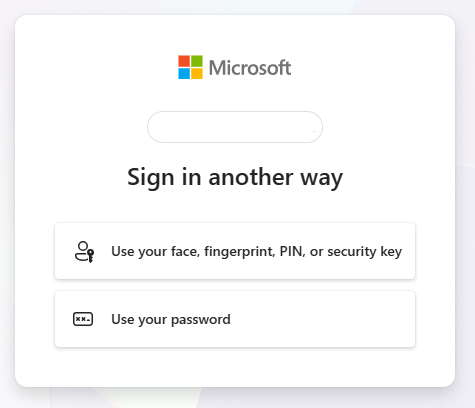
Login using your password
If it comes up with a passkey error, click Cancel
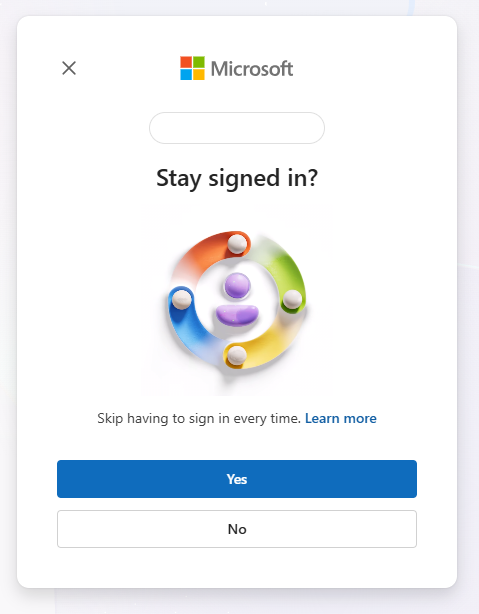
If it comes up with a Stay signed in? request, click No
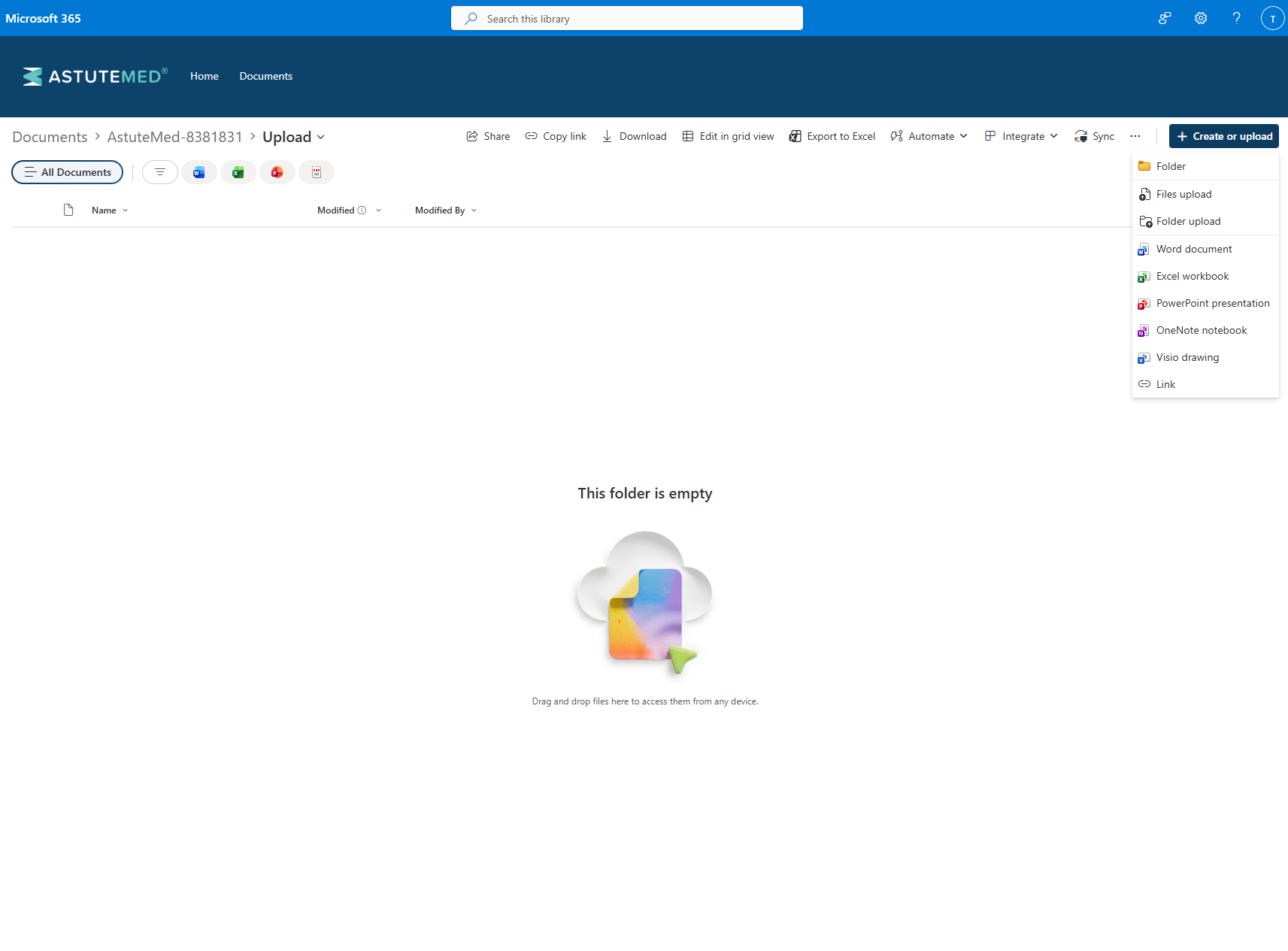
You should then be able to access the site. Use the Create or Upload button on the top right to upload your files, alternatively you can also drag and drop items to upload

Other email users
Click on the link we have sent you or copy and paste into an incognito or private browser.
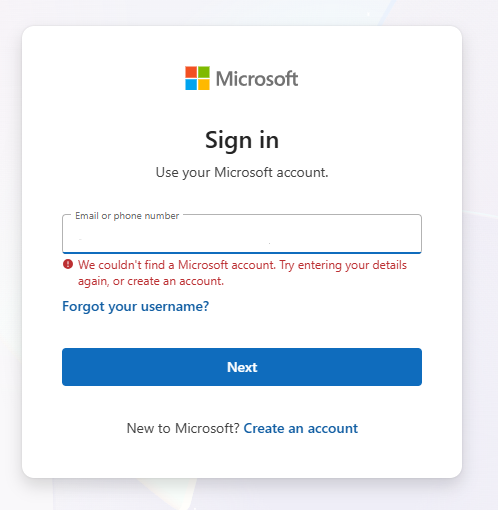
It will come up with an error saying you don’t have an account. Click Create an Account.
Follow the prompts and you will be able to set up an account using your email.
If it comes up with a passkey error, click Cancel
If it comes up with a Stay signed in? request, click No
You should then be able to access the site. Use the Create or Upload button on the top right to upload your files, alternatively you can also drag and drop items to upload